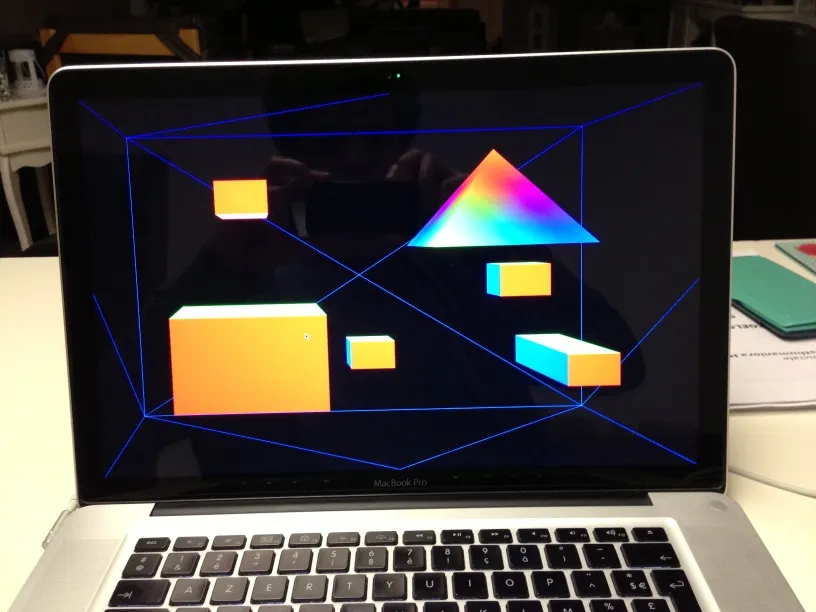
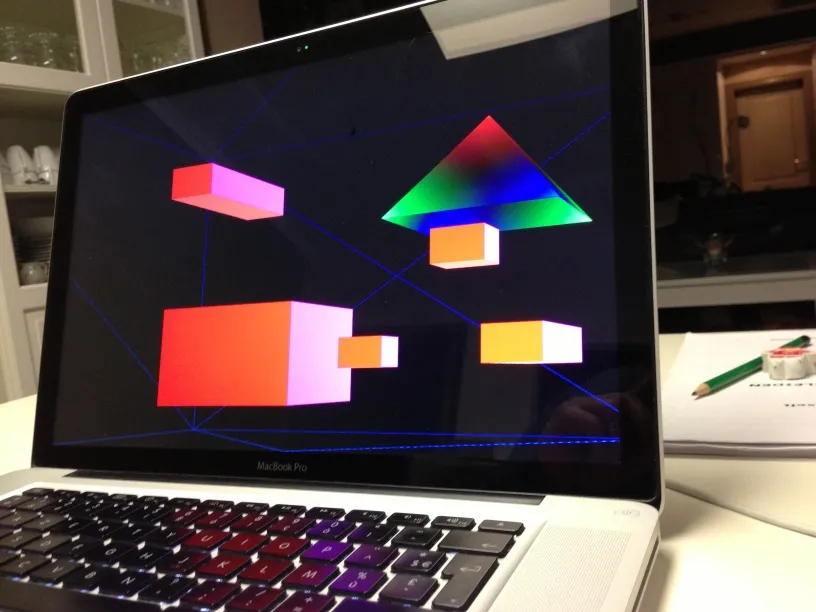
3D with 2D images
2009-2019: Research at UHasselt
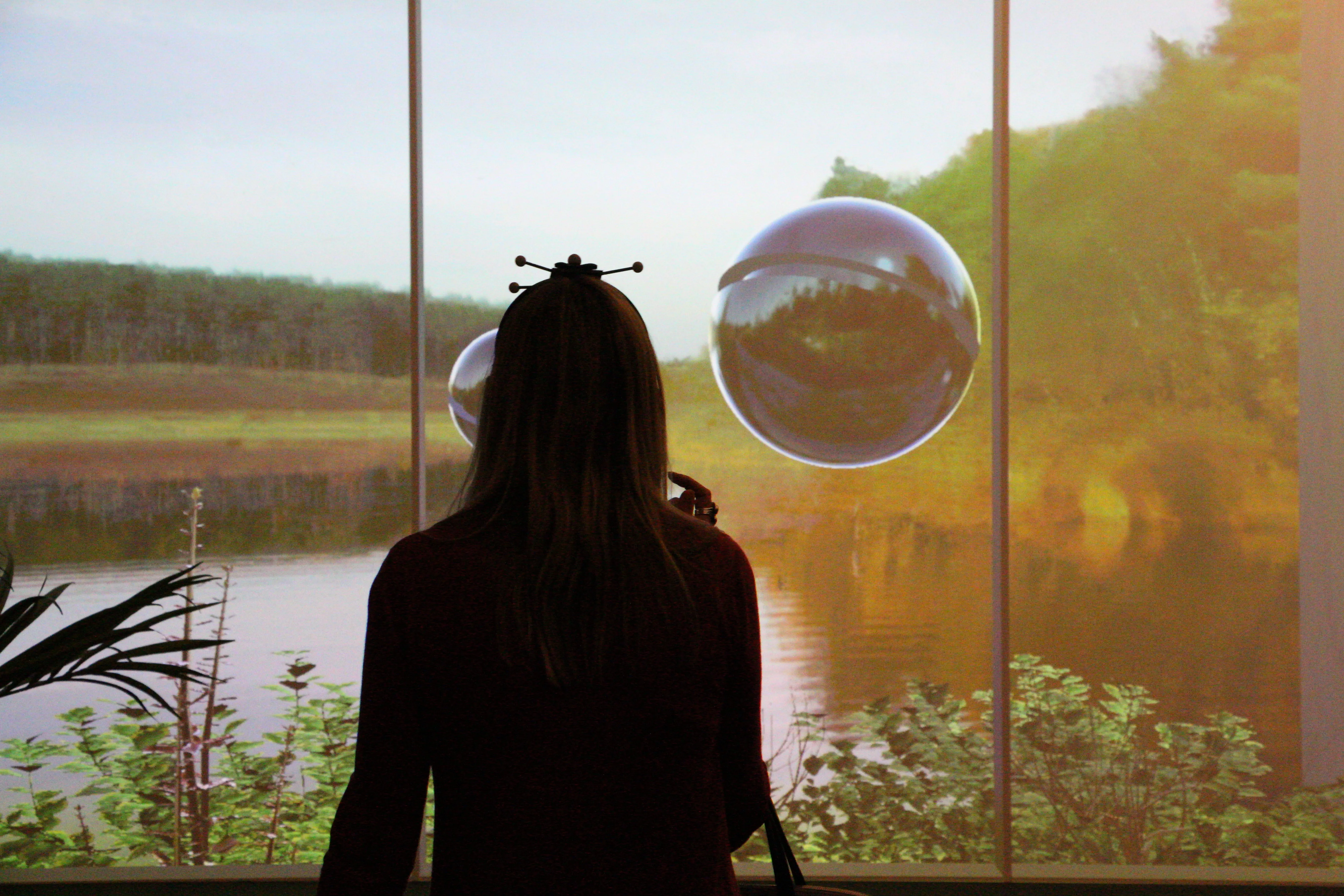
Creating a 3D effect can be done with 2D screens only (and a tracker). By following the head of the viewer and adapting the image based on the viewpoint, we create a “window” effect, where it seems the viewer is looking through the screen to a 3D scene. The adapted images are either rendered as a 3D model, or recreated real images using view interpolation, or the closest image available.
Capture and data processing
We used a few methods to capture and generate sufficient data for the 3D representation of the 2D data.
Capture a dynamic scene using static cameras and use view interpolation to generate in-between views
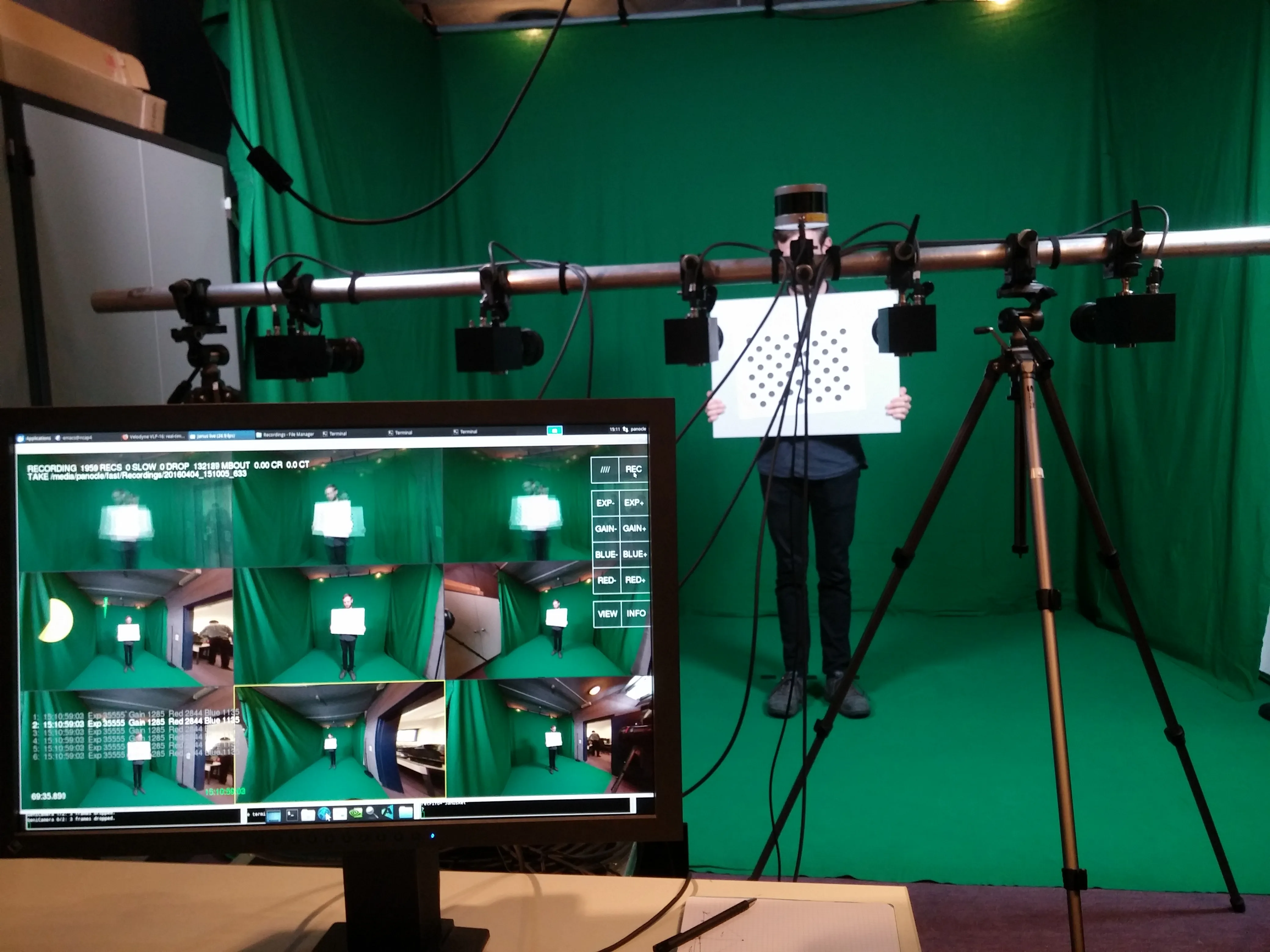
Capture an object using a camera on a rail
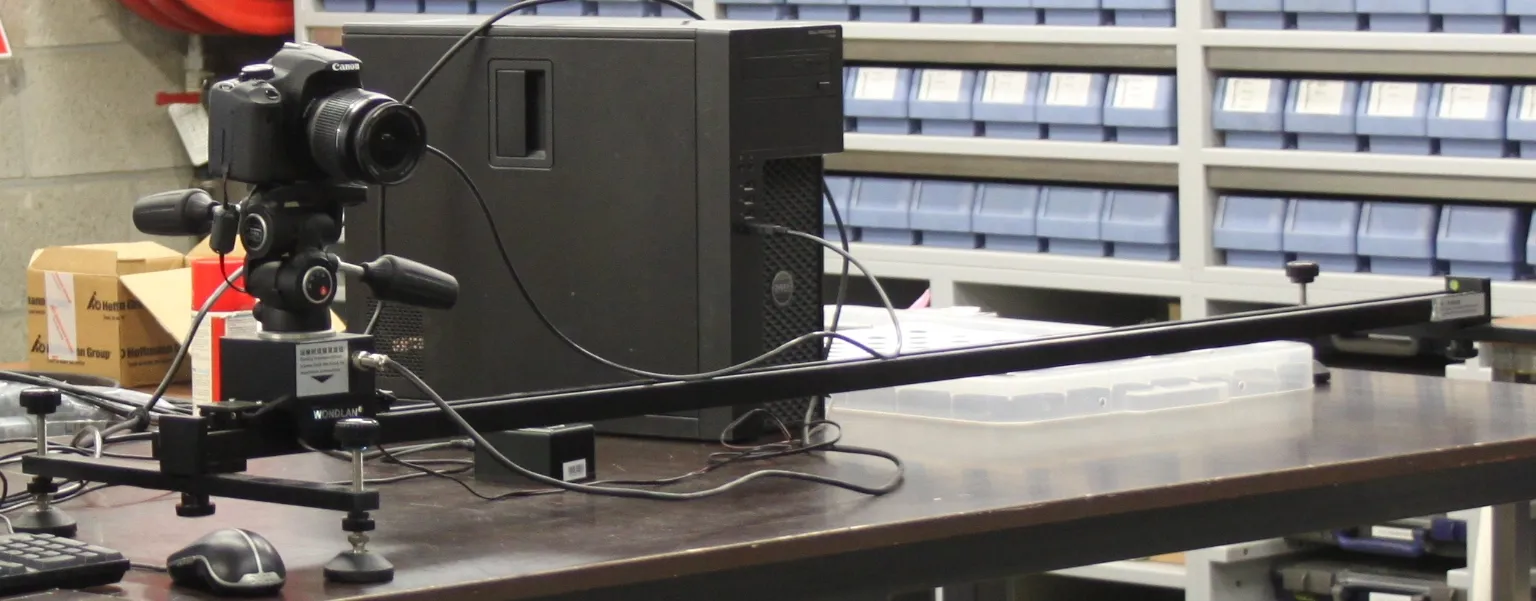
Build a custom 3D scanner and capture the object from each angle
Display
Display is done by determining the position of the eyes and then render the scene as required.
VR with head tracking: See video above
CAVE setup (2 walls and the floor) with OptiTrack
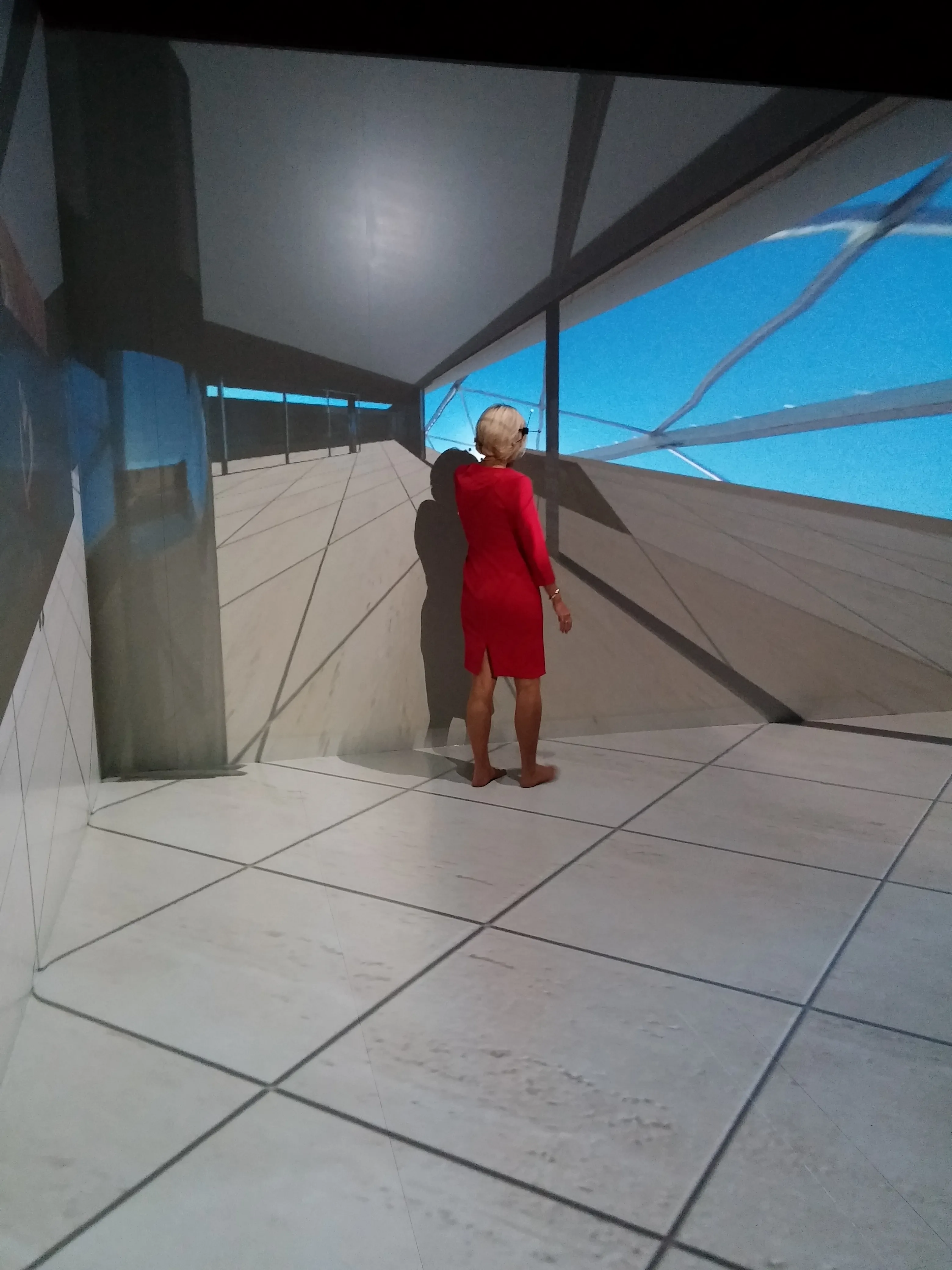
Single screen with optitrack
Web viewer using WebGL and the webcam (paper here)